
Shoes
Explore sneakers, boots, slides and everyday shoes. Open a pair to compare the product gallery with available QC photos, then keep its original Weidian link.
A clear view of your next find. Search footwear, clothing and everyday pieces, compare product photos and available QC, then continue to BBDBuy.

Explore sneakers, boots, slides and everyday shoes. Open a pair to compare the product gallery with available QC photos, then keep its original Weidian link.
Search tees, polos, jerseys, shirts, knitwear and hoodies in one department. Choose a brand to narrow the spreadsheet, or follow a specific subcategory below.
Find trousers, shorts and skirts without searching the whole catalog. Compare individual listings and use price sorting to revisit the options in a consistent order.
Browse jackets, coats, blazers and down pieces. Product images, style previews and available QC belong together on each item’s detail page.
Explore matching sets and loungewear. Open the original offer on BBDBuy to check which pieces are included; items pictured together may be sold separately.
Browse everyday underwear and basics by name or brand. Compare the actual offer and pictured options before continuing to BBDBuy.
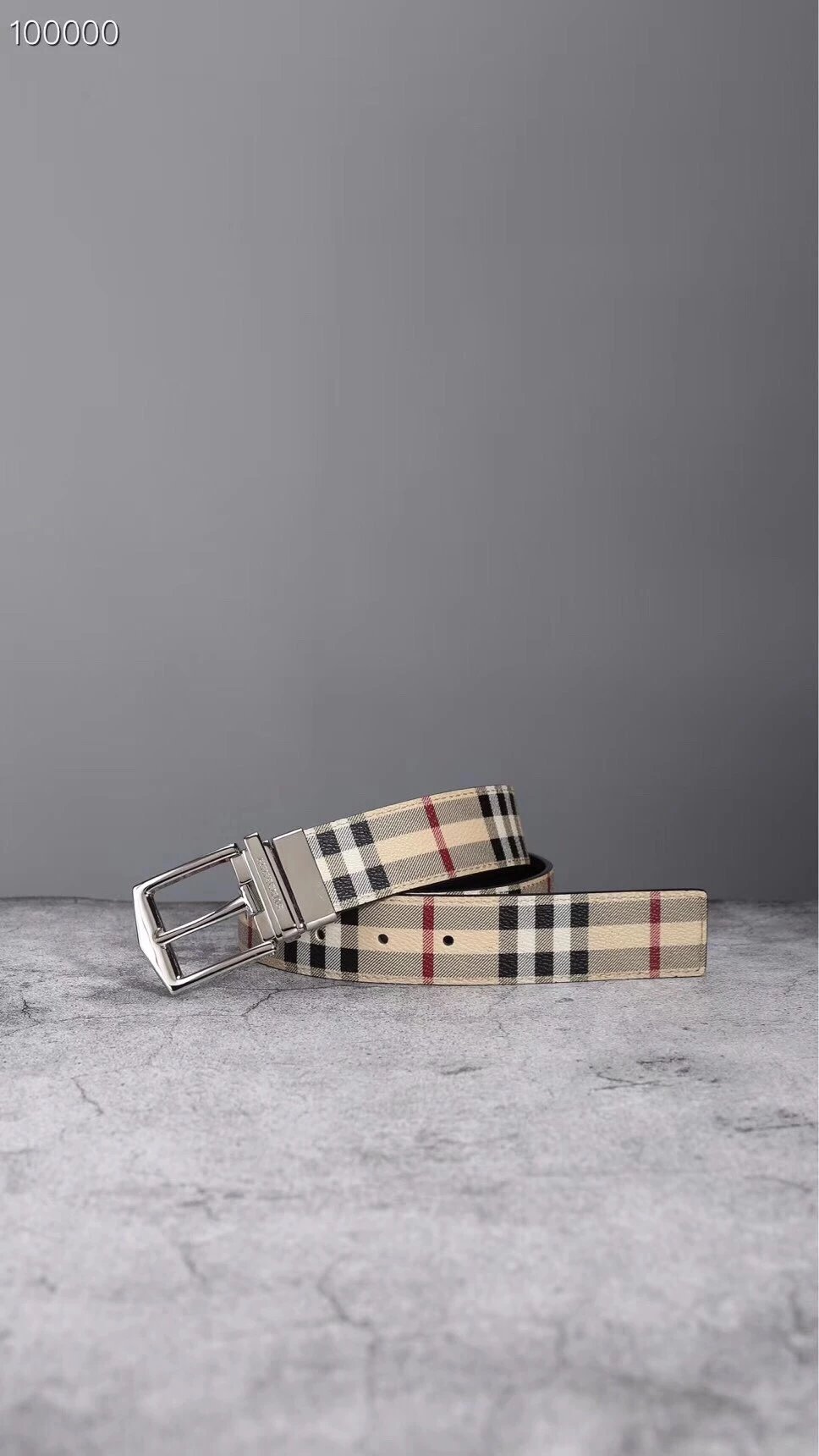
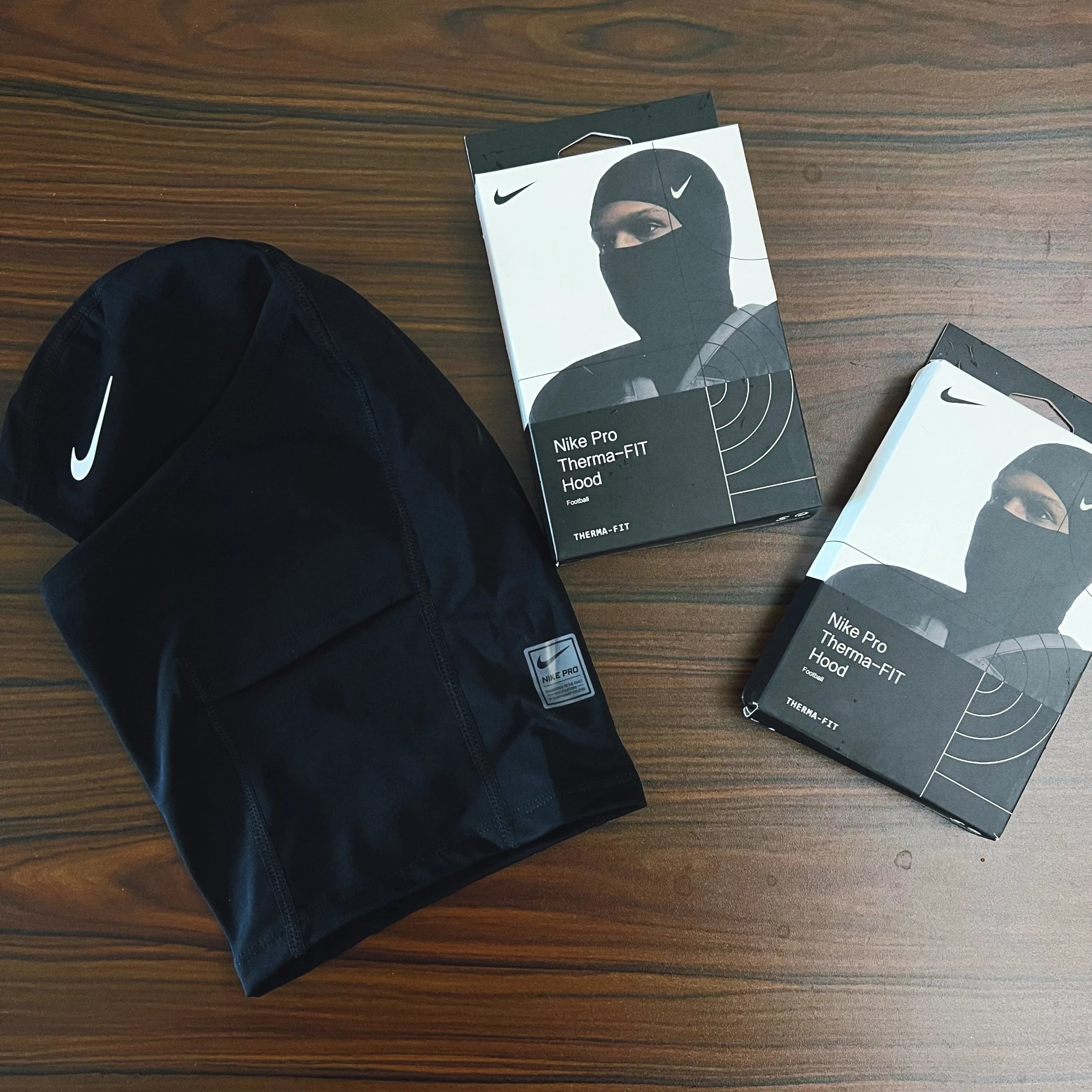
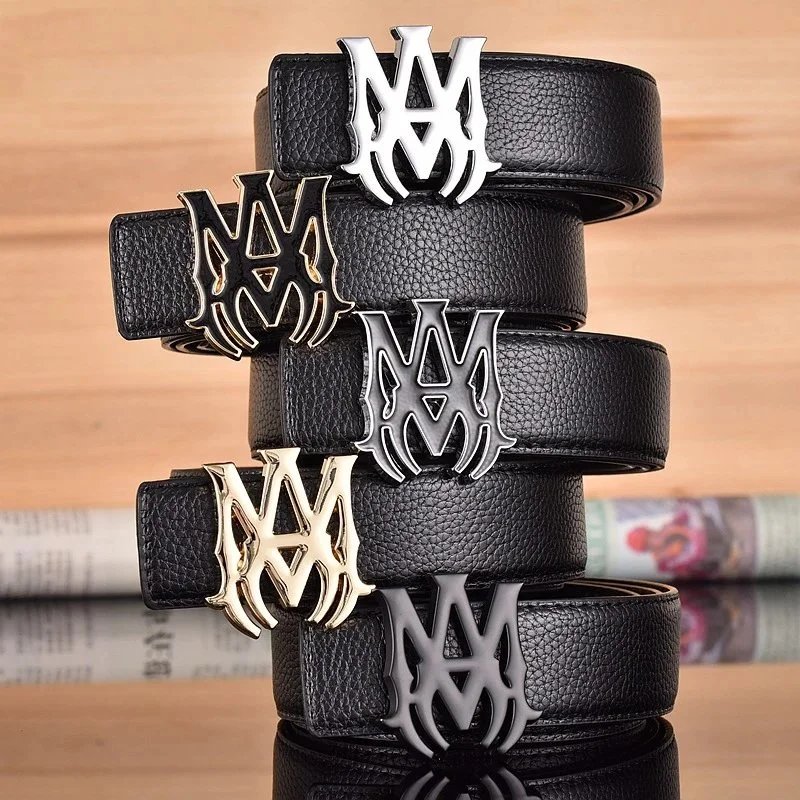
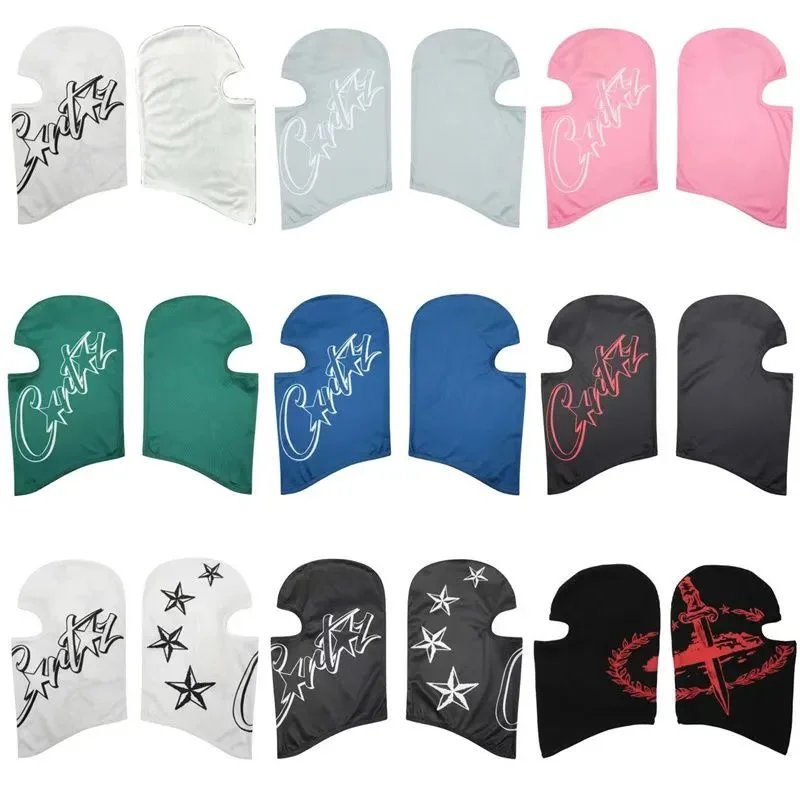
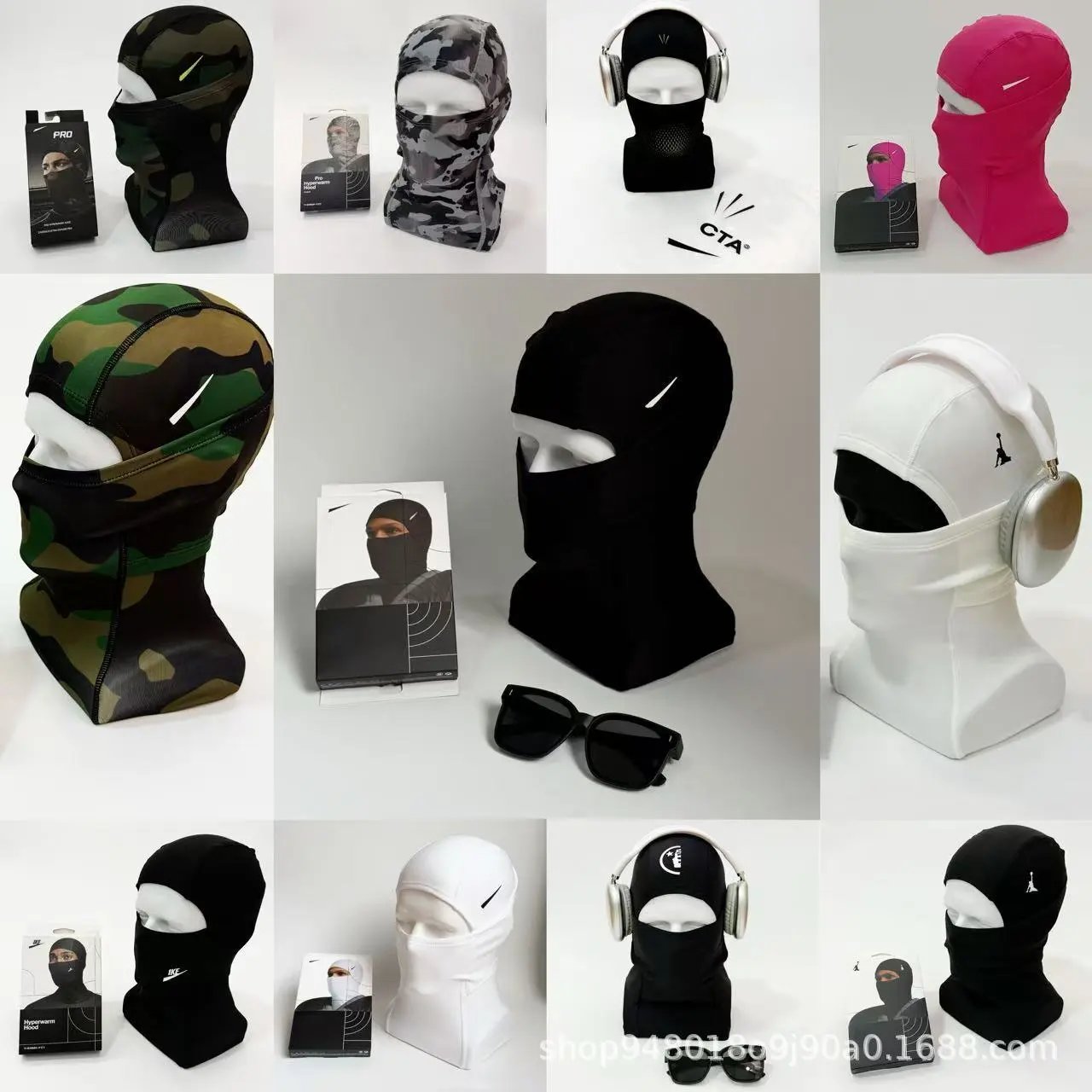
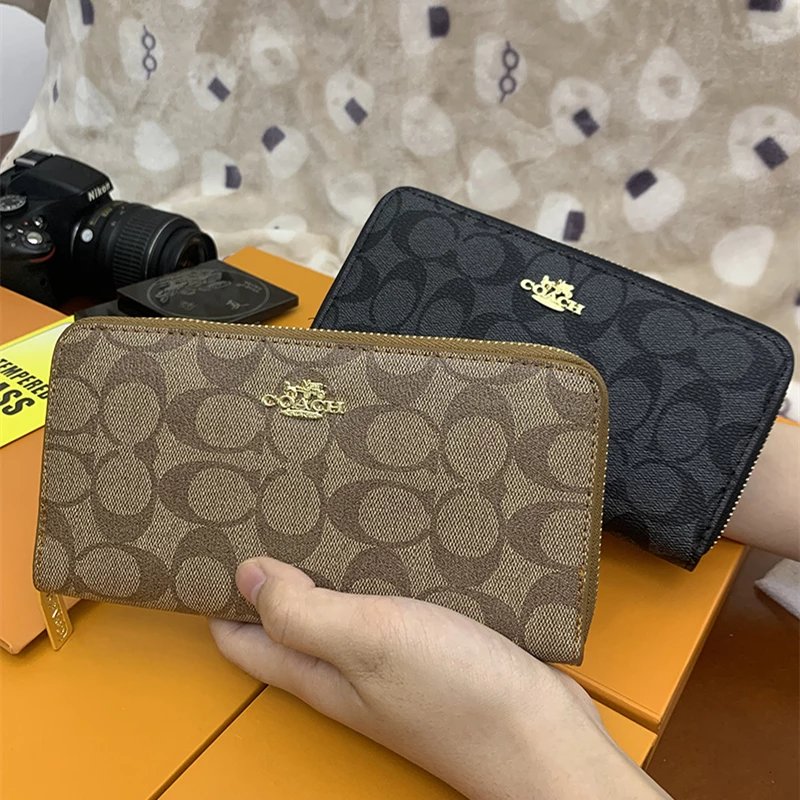
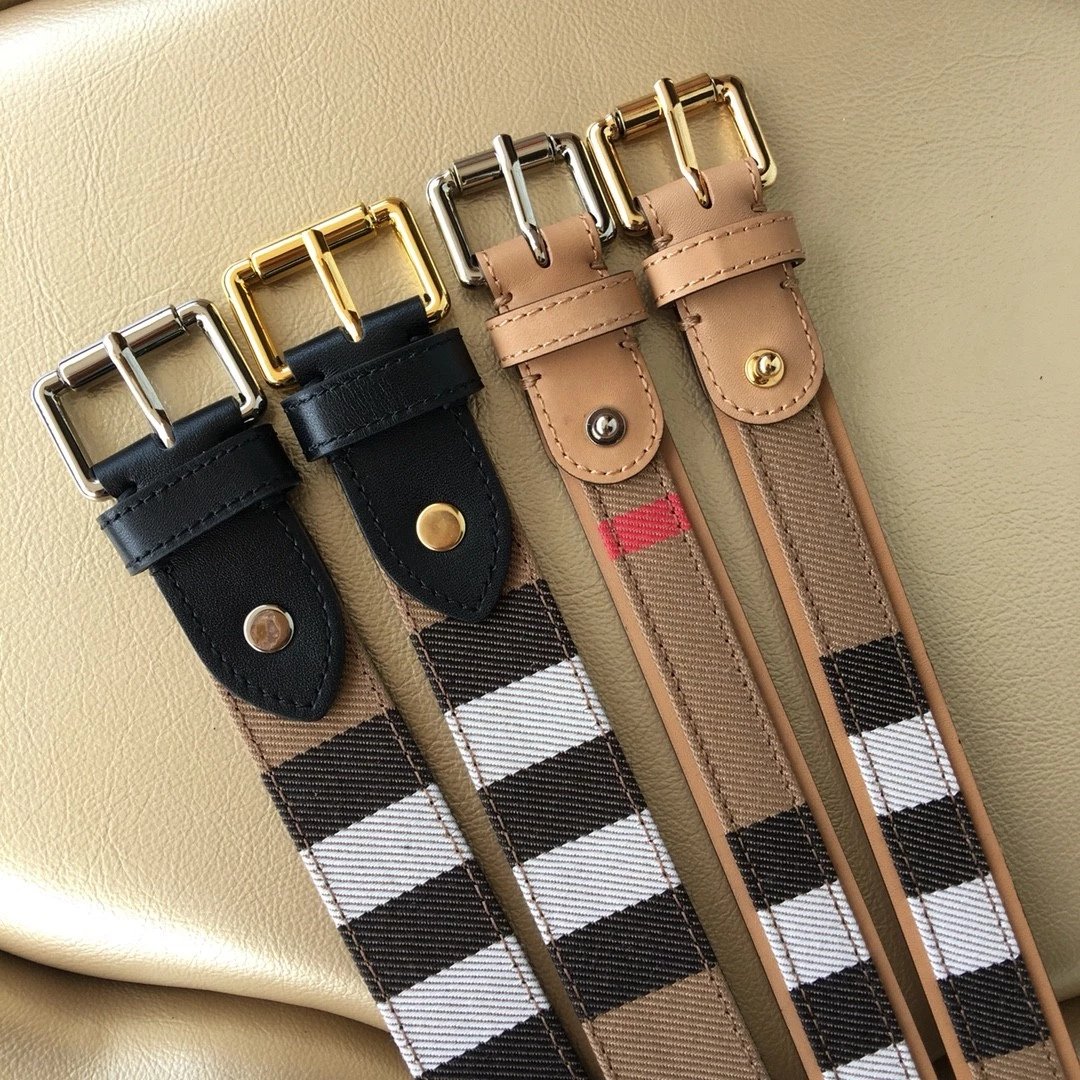
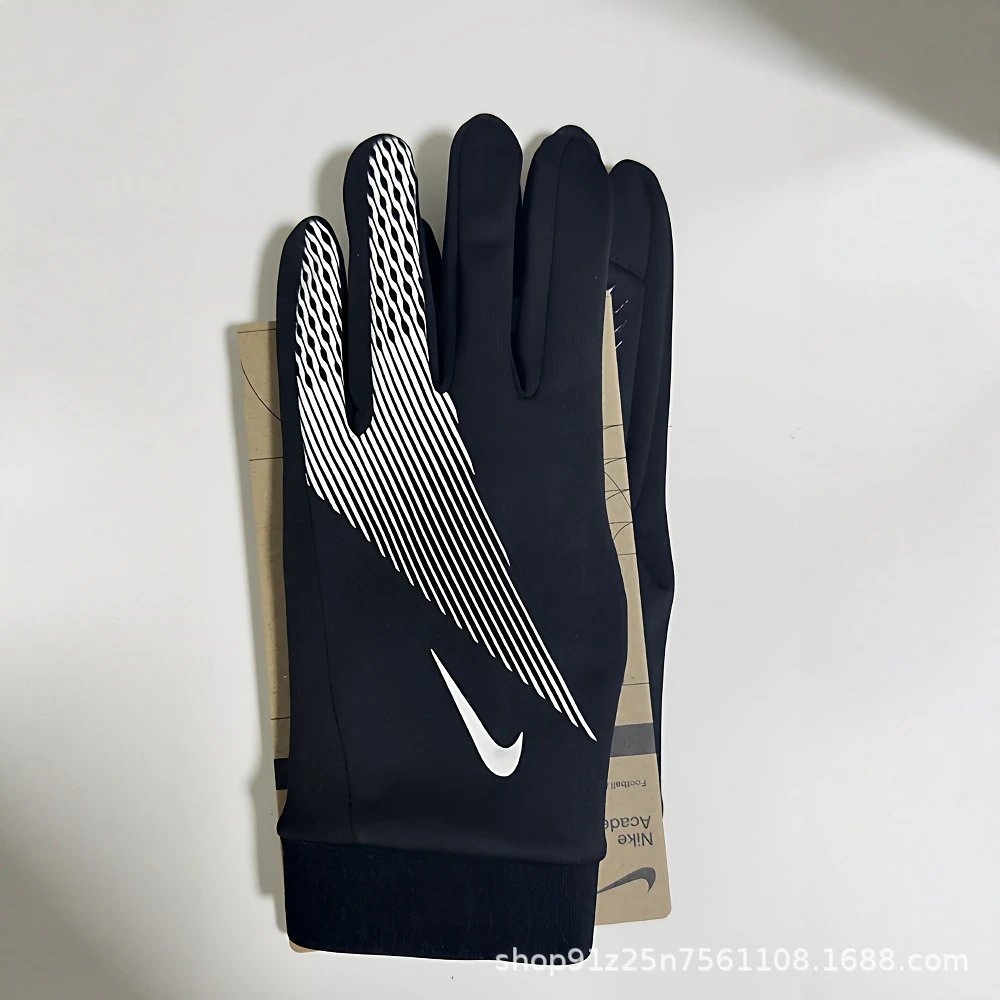
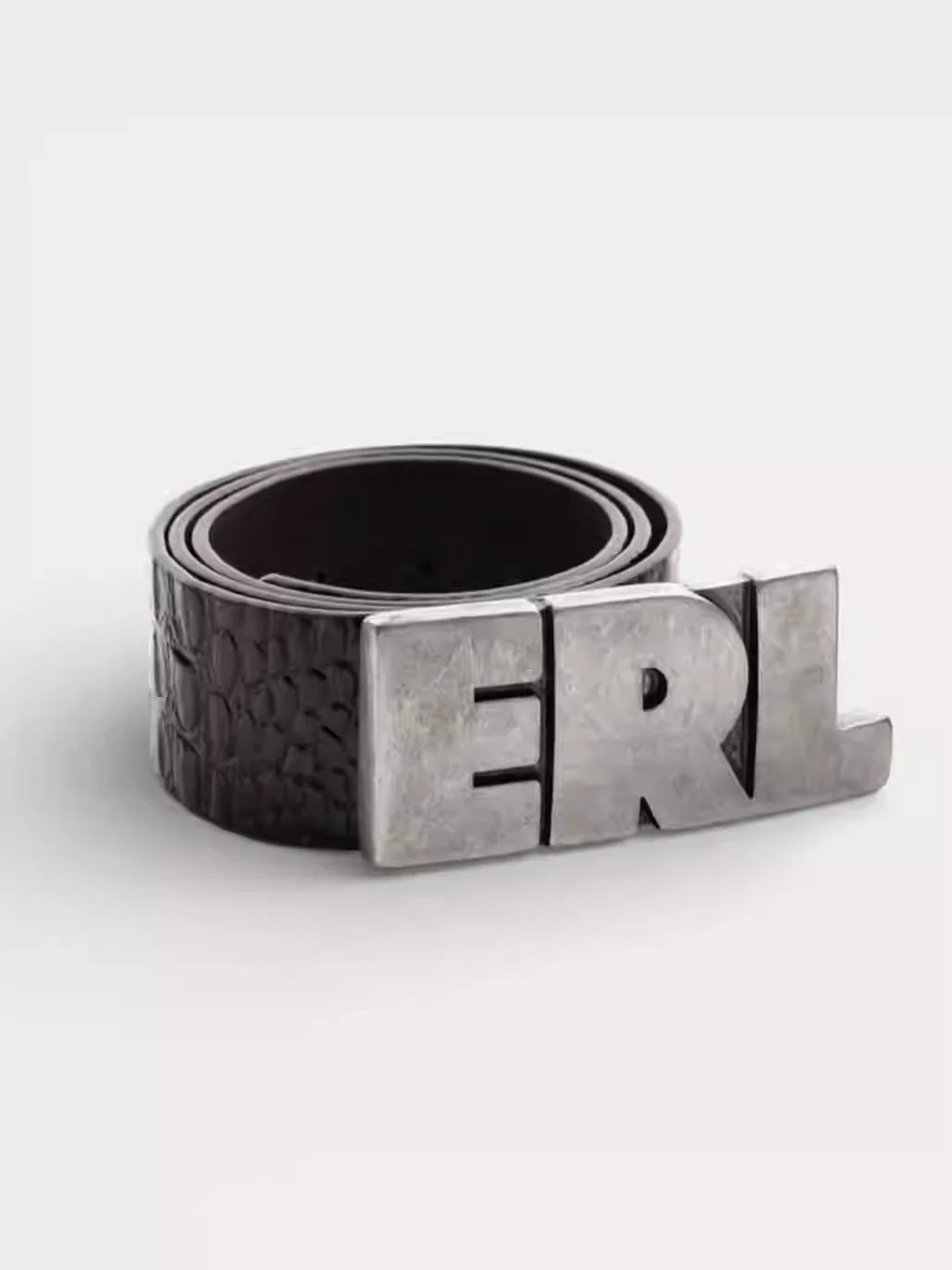
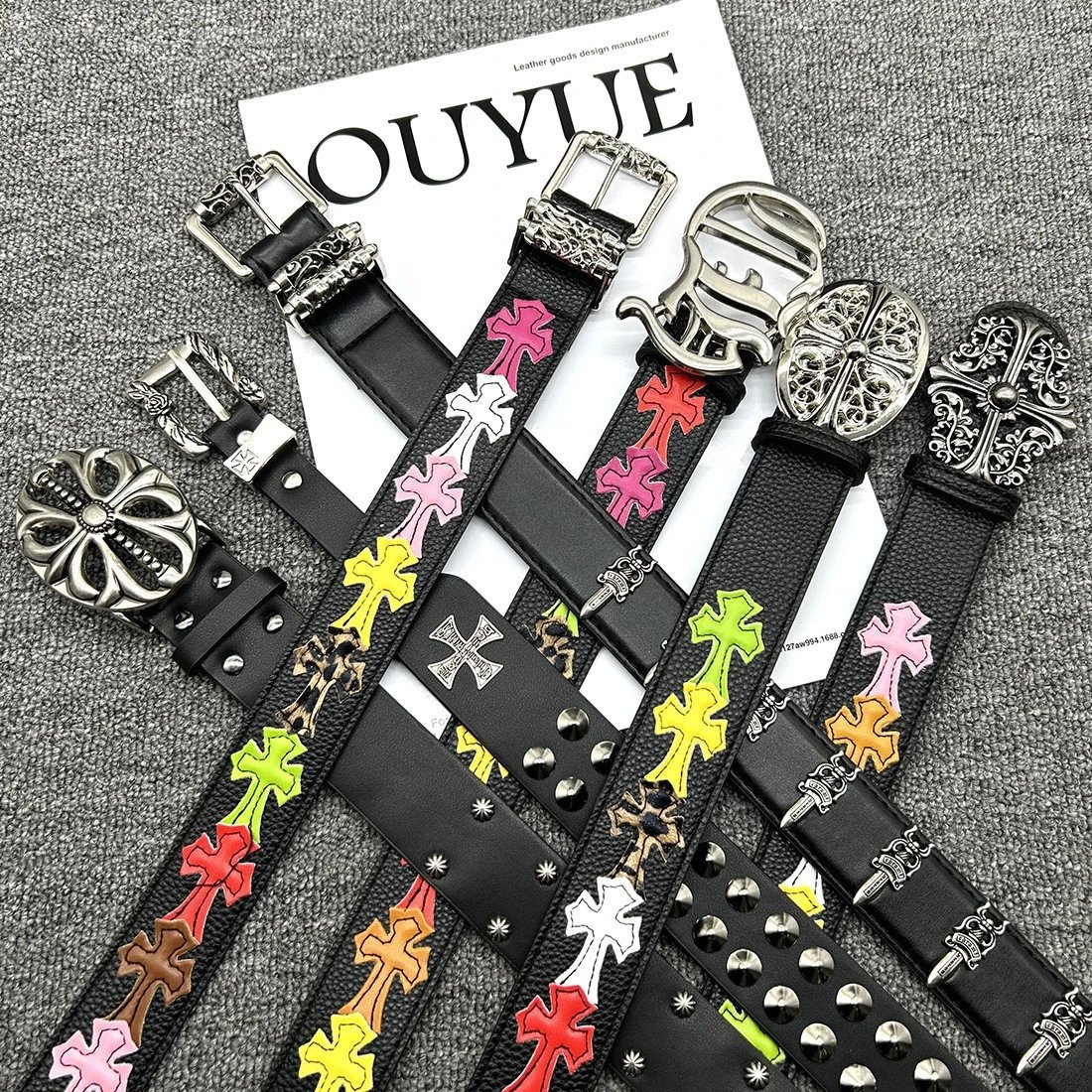
Look through bags, belts, eyewear, hats, jewelry, watches and fragrance. Keep similar finds distinct by comparing their source links and detail photos.
Find headphones, speakers, lighting and watches. Read the current source offer for the model, connections and included items before ordering.
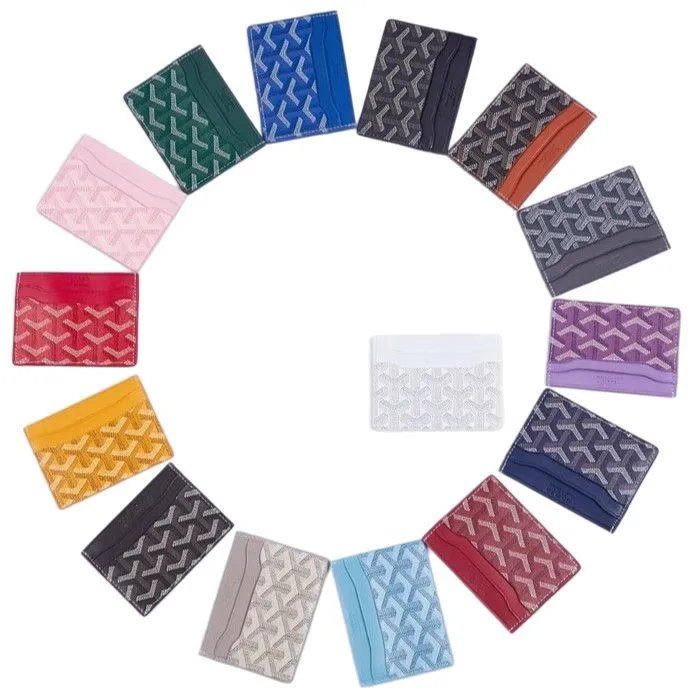
Explore gift sets and other everyday finds. If a name is hard to describe, use a reference photo to find visually similar listings.
Product sources, pictures and purchase links.
Start with a product name, a category such as shoes or accessories, or a reference photo. Open a promising result to compare its main gallery, pictured styles and any available QC photos. Keep the original seller link with your shortlist so similar-looking items do not get mixed up. When you are ready to continue, use the BBDBuy button and check that the official page shows the item and options you intended to buy.
Open Image search, then upload, drop or paste a clear reference photo. A photo showing one complete item with little surrounding clutter is easier to compare than a collage or screenshot of several products. Browse both result pages when available, and open likely matches to compare shape, details and source links. Visual similarity does not establish the same seller, material or version; choose another photo if the first results miss what you need.
Product photos help you identify the listing and its pictured options. Available QC photos provide another reference associated with that source item, but they are not photos of a BBDBuy order you have yet to place. Compare visible details such as logos, stitching and overall shape across the images, and check which style is pictured. A photo cannot establish every aspect of quality or authenticity, and missing QC does not by itself establish a problem with the product.
For supported Weidian listings, the button opens the corresponding BBDBuy goods page using the original seller item ID. Each product keeps its own source address; two similar photos may lead to different offers. Check the official page title, pictures and selectable options before continuing. Our registration and purchase links include an invitation code. If the page asks you to log in or reports an unavailable item, use the copied source link to identify the listing rather than choosing a different product by appearance alone.
You can search this spreadsheet, browse categories and inspect the available reference photos without creating an account here. The official BBDBuy product page may redirect you to its login screen before showing the offer. Use the registration link if you need a BBDBuy account, and check the invitation field on that page. Sign-in, account details and order management belong on the official BBDBuy website; Sheetz does not create an account or place an order for you.
Open the product detail page and choose Copy Weidian link. Wait for the button to confirm that the link was copied, then paste it into your own notes to keep the source address with the product you found. This copies the seller’s original listing rather than the Sheetz page or an image address. If copying fails, check whether your browser allows clipboard access and try again. When comparing several similar products, keep each link separate instead of relying only on the photo or title.
Selecting a small style picture switches the main gallery to that option so you can inspect it more closely. It is a browsing preview: it does not reserve stock, add an item to a cart or choose the specification for a future order. Open the full image if the preview is cropped, then compare other pictured options. On BBDBuy, select and confirm the actual color, size, quantity and available version again, since the seller may change the options after a reference photo was recorded.
Click the main product photo or an available QC image to open the full image viewer. Move between the available photos and zoom in to inspect details that may be cropped in the page thumbnail. The gallery and style pictures help you explore the item, while the separate QC section contains the available reference photos. If an image is still loading, let it finish before judging the detail; a missing or failed photo should not be treated as evidence that the item has passed a quality check.
The first visit displays reference prices in USD. Use the currency control in the header to view another supported currency when comparing products; changing the display currency does not create an order or lock a price. The seller can change a listing, and individual options can have different prices. Before purchasing, confirm the current item and selected option on the official BBDBuy page. A lower reference price on a similar-looking result does not establish that it is the same version or seller.
A seller may remove an offer, change the available options or stop supplying a particular item. The official BBDBuy page may also require login before displaying the listing. Check the exact source address and any message on the official page first. If the item is no longer offered, return to the spreadsheet and search by name, category or picture for alternatives. Compare those alternatives as separate listings; an existing photo, QC reference or displayed price is not a promise of current availability.
Begin with a short, distinctive product name, then choose a main category and a brand if relevant. Use sorting to compare the remaining results by price or to view newer finds. These choices work together, so an overly specific search combined with several filters can leave few or no matches. Remove one active filter at a time to widen the list while preserving your other choices, or use Reset for a fresh start. Follow the pagination to inspect more results without changing the search.
BBDBuy Sheetz is an independent product discovery site. It helps you search listings, compare available reference photos and follow links to the corresponding item on BBDBuy. Registration, account access, purchases and order management take place on the official BBDBuy website. Our registration and purchase links may earn us a commission. Inclusion in this spreadsheet does not mean every item has been personally tested, is currently available, or is guaranteed by BBDBuy; assess the specific listing before deciding to buy.